

Features:
Compatible with X-431 Throttle & X-431 Throttle III, X431 PAD V, X431 PAD VII
ECU Troubleshooting and Diagnostics
It supports manually writing the waveform data
Simulate the working condition of sensors without replacing parts
Throttle & Pedal Sensor
Airflow Meters
Oxygen Sensor
Temperature Sensor
EGR Sensor
Injectors Sensor
Crank
Cam sensors inductive & hall
Be used as Multimeter to measure resistance, voltage AC/DC, capacitance, frequency and pulse signals, etc
Simulate some special working condition of sensors without replacing parts
One click to enters the intuitive menu of sensor, actuator, defined/drawn the waveform, timing waveform, multimeter, system settings (working with scanner)
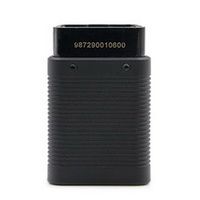
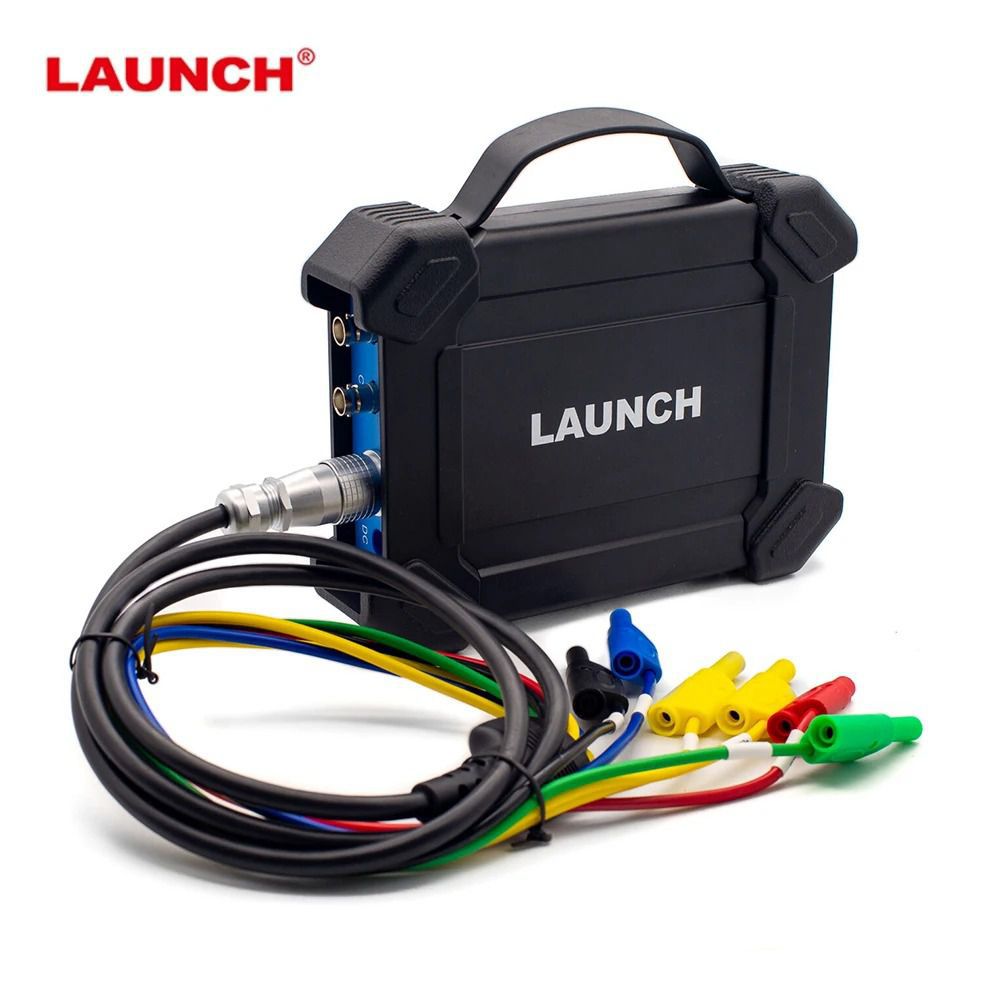
S2-2 Sensorbox is specially developed for diagnosing/simulating sensor faults
It mainly includes “Sensor”, “ Actuator”, “Defined/Drawn”, “Timing Waveform“ and “ multimeter”.
Sensor: Is used to simulate the input signals of the automobile electronic control system, and the automobile computer adjusts the running state of the engine according to these parameters.
Actuator: Is used to simulate the output control signal of automobile electronic control system, so as to judge the working conditions of automobile actuators such as idle motor, EGR solenoid valve, etc.
Multimeter: Through this function, users can test voltage, resistance, and capacitance.
The module cannot be used separately, it only works as accessory for launch X-431 PAD III, PAD V and PAD VII diagnostic tools.
S2-2 Sensorbox Connection
1) Insert one end (B-type terminal) of the USB cable into the B-type USB port of the sensor module host, and then insert the other end into the USB port of the diagnostic tool.
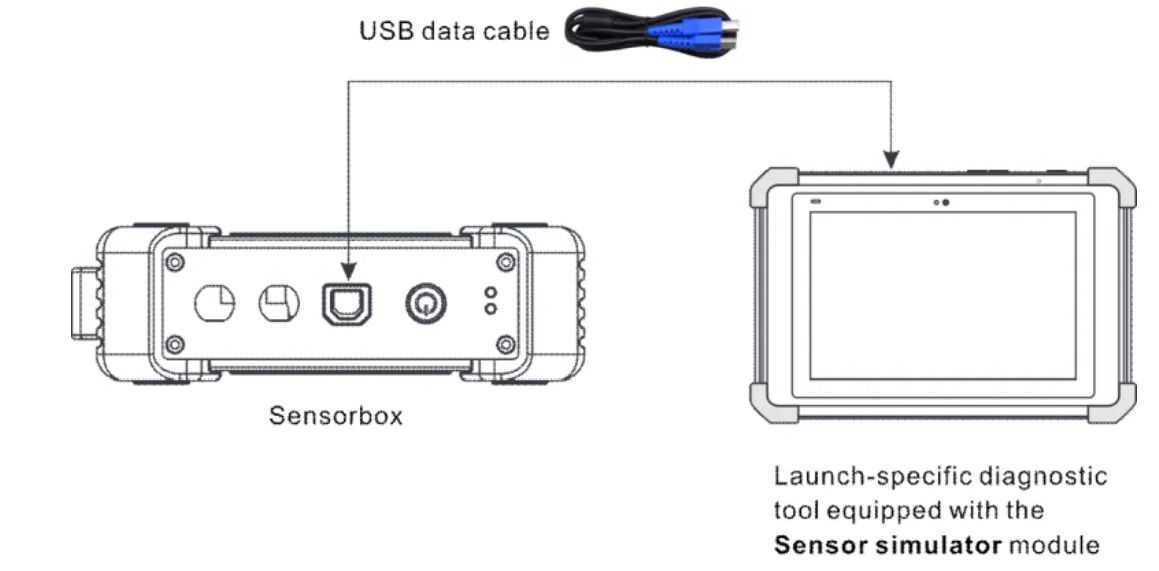
2) Press and hold the power button for over 3s to start the sensor module. If the electric quantity is normal, the green lamp is steady on Indicator lamp status description:
Green lamp:
Steady on: normal electric quantity
Flashing at an intermediate speed: low electric quantity (regardless of whether red lamp flashes)
Flashing at a low speed: charging in progress
Red lamp:
Steady on: diagnostic tool connected
Flashing: diagnostic tool disconnected. It will enter the charging status only when the red lamp is flashing. The green lamp is flashing at a low speed during charging.
3) Start the diagnostic tool and access the toolbox. Tap Sensor Simulator to access the job menu of sensor.
Job Menu
The sensor module is mainly divided into five functional modules
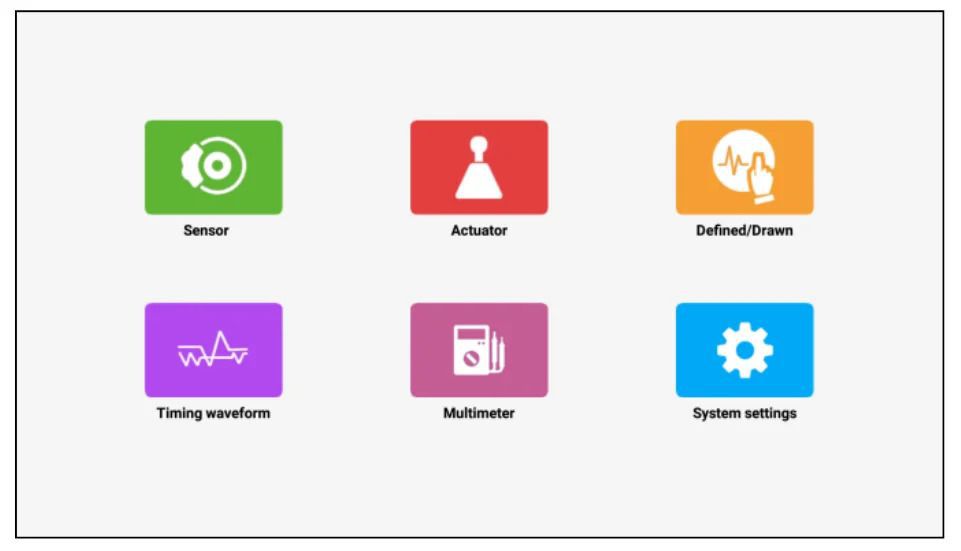
1) Sensor: Use output voltage or waveform to simulate the working status of the on-board sensor, so as to accurately judge the quality of the sensor and reduce blind replacement of accessories.
2) Actuator: Used to output PWM signal to drive the on-board coil actuator.
3) Defined/Drawn: Users can customize sensor waveforms to facilitate future sensor signal simulation.
4) Timing waveform: Customize timing waveform to match the engine (crankshaft + camshaft), and output in the same phase.
5) Multimeter: universal multimeter functions.
Sensor module:
Parameter: Range
Number of channels: 2
Precision: 1 %
Amplitude range: 0 – 20 V
Max output current: 20 mA
Predefined frequency range: 0 – 20 kHz
Square wave signal pulse frequency: 0 – 15 kHz
Square wave signal duty cycle: 0 – 100 %
Power supply: Simulator sensor output/max current 20mA (output is powered by battery) – Drive solenoid, ignition coil/output current 2A (external power supply)
USB: USB2.0 Type B (with charging and power supply function/5V)
DC voltage simulation: Support
Fixed frequency simulation: Support
Predefined waveform simulation: Support
Hand-drawn waveform simulation: Support
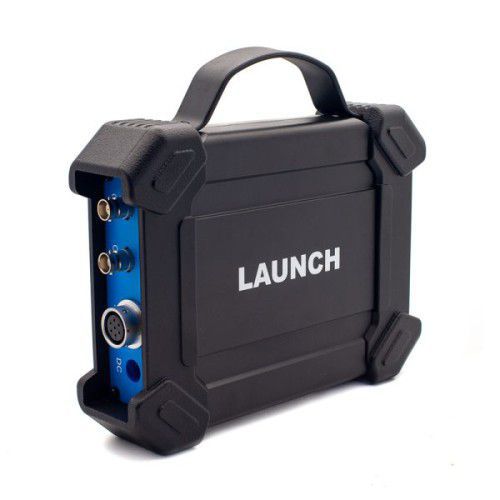
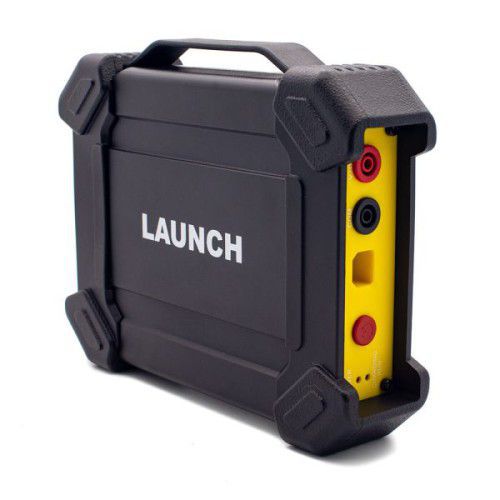
Signal generator interface: 2
External power supply port: 1
Solenoid interface: 1
Multimeter interface: 2
Working temperature: 0 °C – 50 °C
Storage temperature: -30 °C – 70 °C
Multimeter:
Parameter: Range
DC voltage: 0 V – 700 V
AC voltage: 0 V – 700 V
Resistance: 0 Ω – 40 MΩ
Capacitance: 0 F – 100 µF (maximum 30 s measurement time)
Diode: 0 V – 1,5 V
Continuity detection: Sounds below 30 Ω
Defined
Waveform: There are 9 waveforms to choose; Forward sine wave, reverse sine wave, forward square wave, reverse square wave, medium voltage, straight line, high / low voltage straight line, triangle wave, and trapezoidal wave.
Frequency: Set the frequency of the selected waveform.
Amplitude: Set the amplitude of the selected waveform.
Offset: Set the offset of the selected waveform.
Phase: Set the phase of the selected waveform.
Duty cycle: Set the duty cycle of the selected waveform.
Signal sync: Can cause CH1 and CH2 to output signals at the same time.
Hand-drawn
Total frame: 1-3 (optional). Indicate the total number of output points
Generally, one waveform is composed of 100 points. The values 1-3 indicate that you can select 100, 200, or 300 points to form a waveform.
Edit frame: You can edit a single frame or edit all
Waveform: You can select a preset waveform and place it in the hand-drawing area
Frequency: Frequency of a single frame (for 3-frame output, the total frequency is the set frequency/3)
Amplitude: Amplitude of the output waveform
Offset: Offset of the output waveform
Package List:
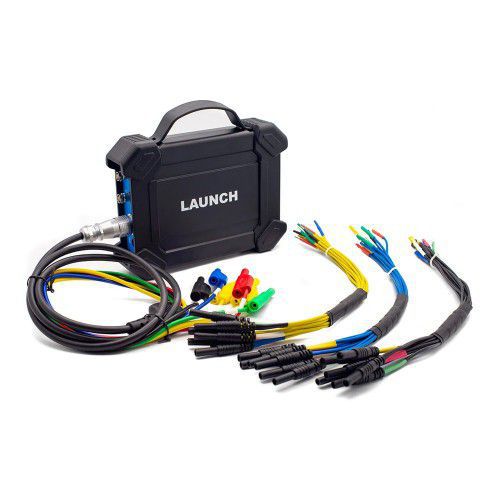
1 set x S2-2 Sensorbox
Tags: Launch
Oscilloscope